 Gallery
Private vault
Hide photos and videos behind a PIN or fingerprint.
Learn more →Gallery Photo Album is the all-in-one gallery app for Android: a private vault, a smart duplicate cleaner, a full photo editor, a collage maker and a powerful video player, all in one fast, free app.
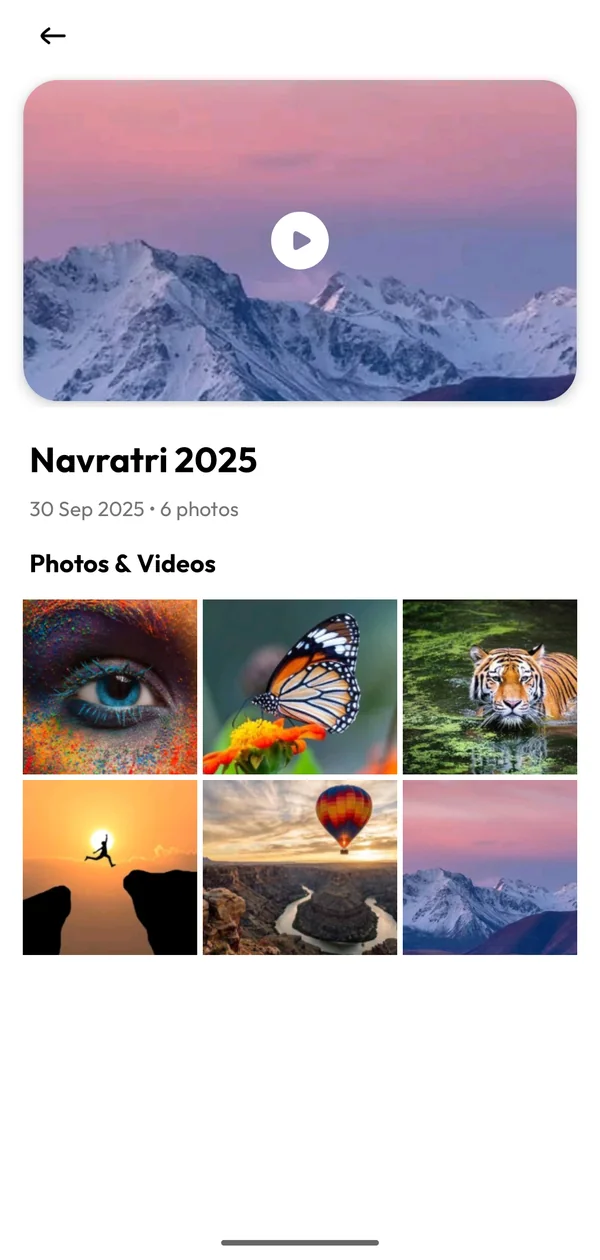
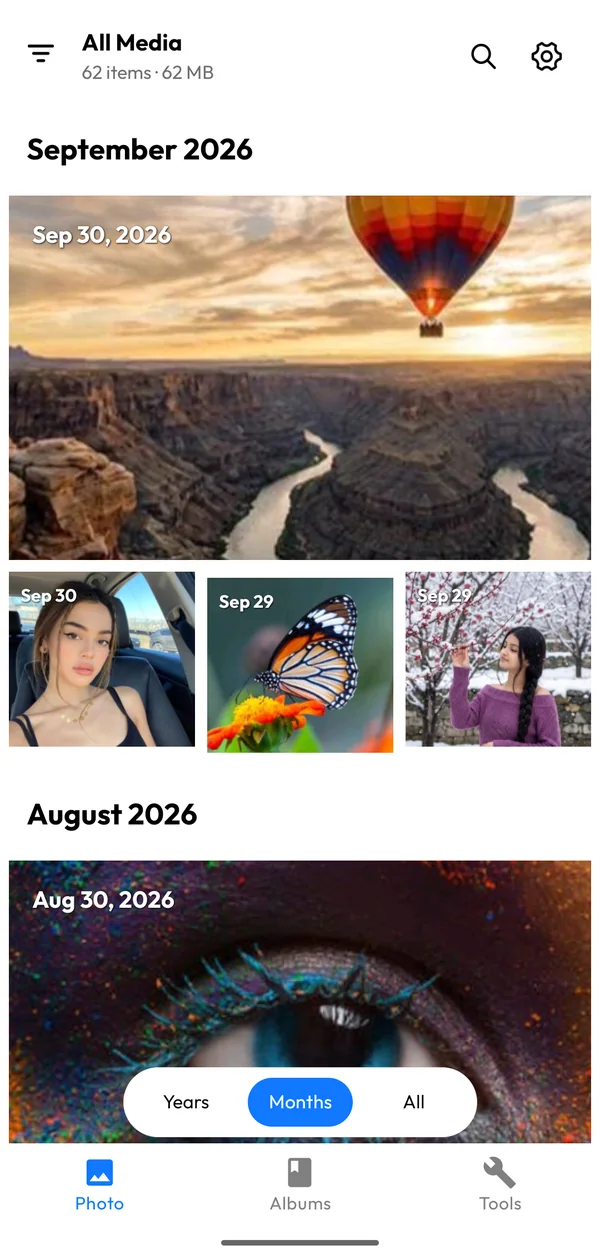
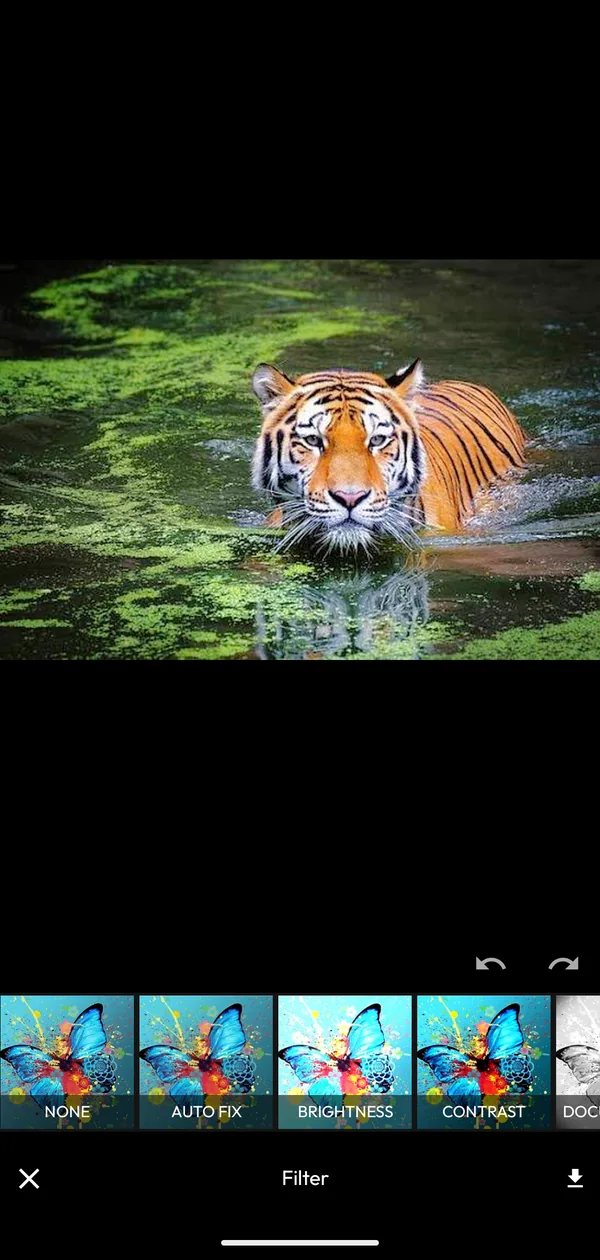
In short: Gallery Photo Album by KVC Mobile Studio Inc. is a free Android gallery app that organizes photos and videos by date and album, hides private media behind a PIN or fingerprint, finds duplicate and similar photos, and includes a photo editor, collage maker and video player. It needs no account and works on Android 7.0 and up.
Stop juggling five apps. Gallery Photo Album brings organizing, protecting, cleaning, editing and watching together in one clean interface.
Hide photos and videos behind a PIN or fingerprint.
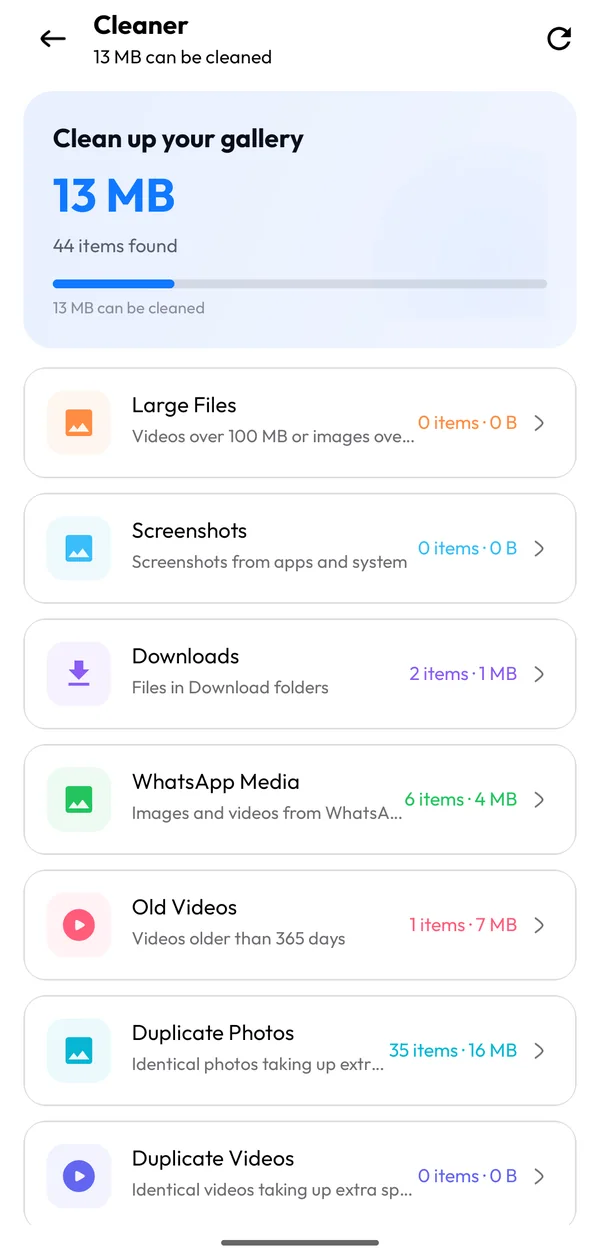
Learn more →Find duplicates and near-identical shots, free up space.
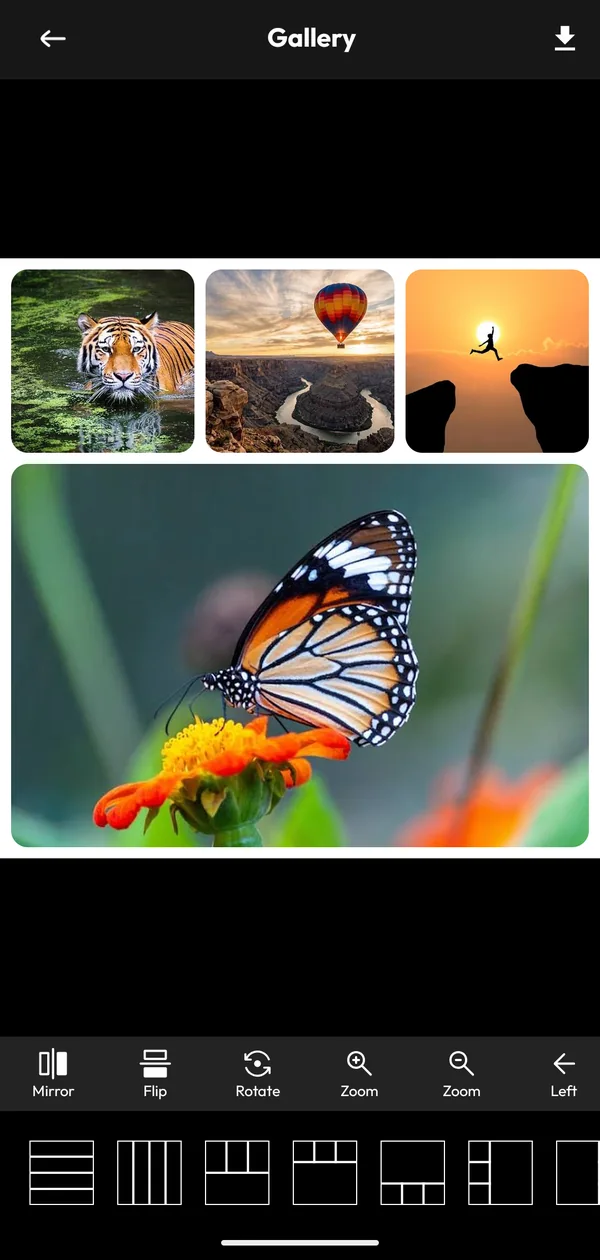
Learn more →20+ filters, adjustments, text, stickers, emoji and drawing.
Learn more →Combine 2 to 9 photos in stylish layouts.
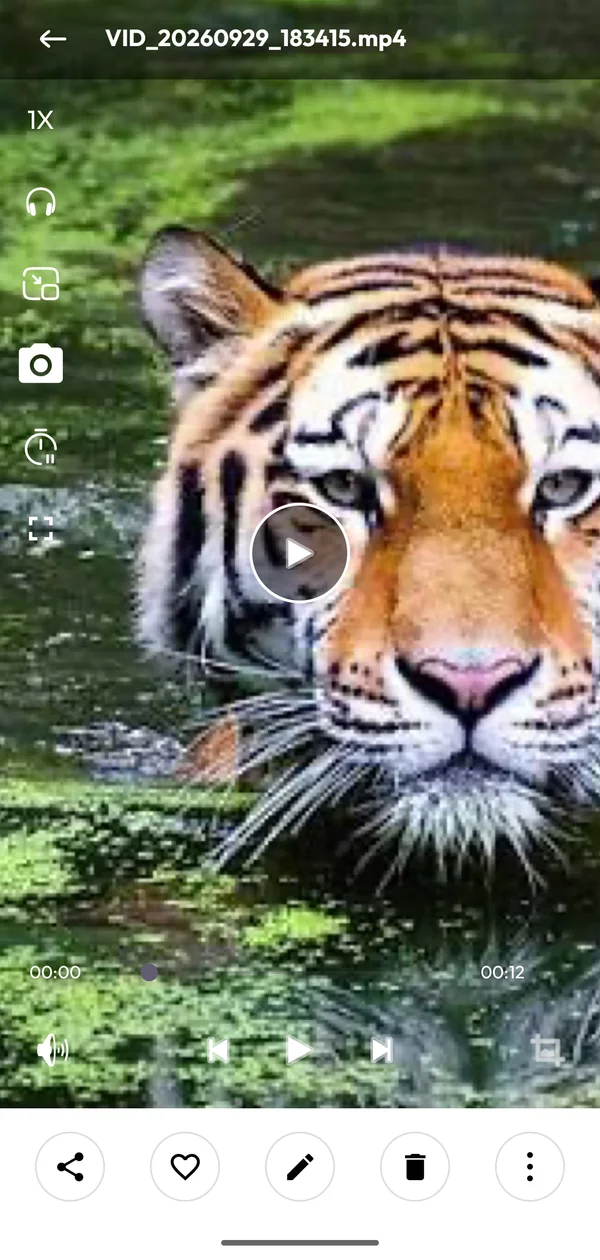
Learn more →Picture-in-Picture, background audio, speed and sleep timer.
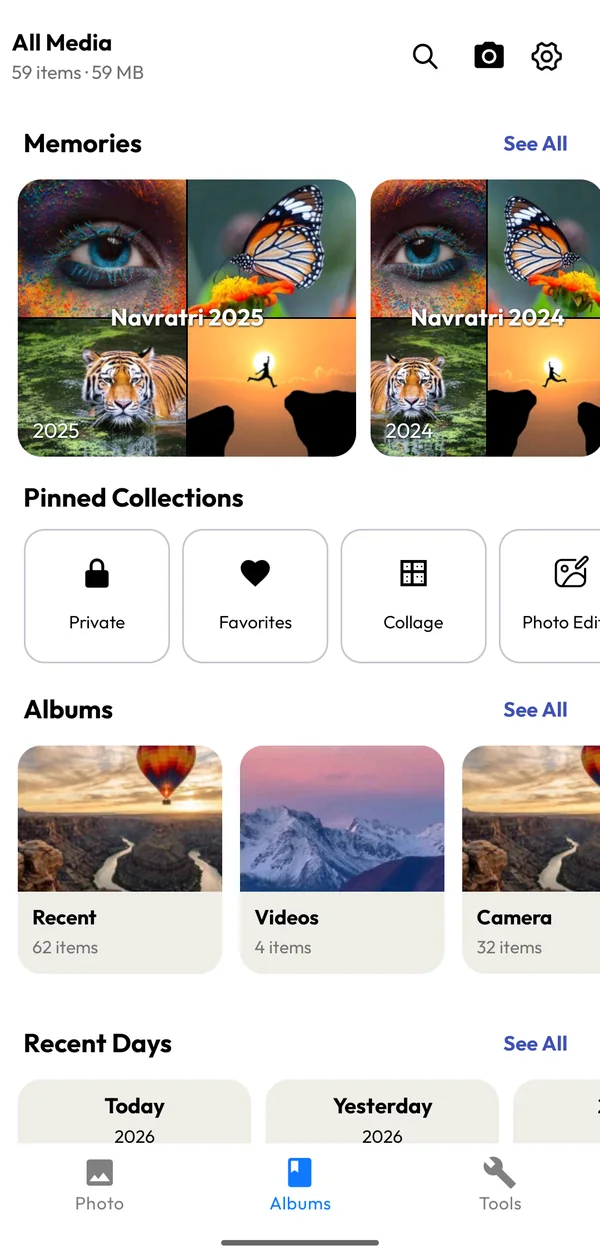
Learn more →Automatic “On this day”, trips and highlights.
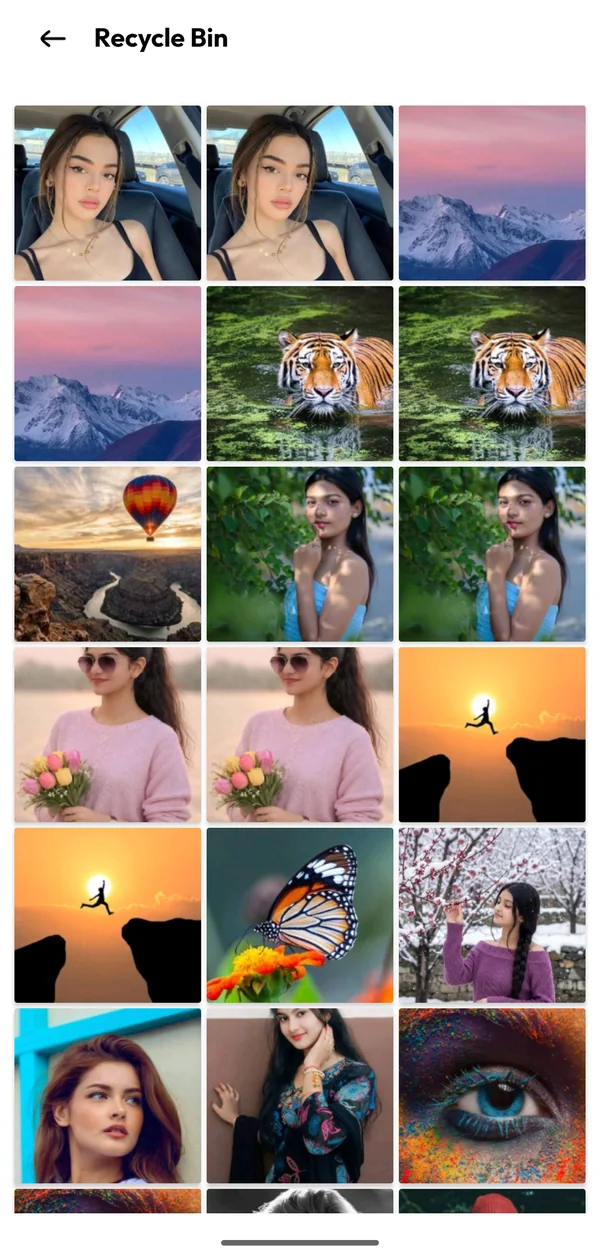
Learn more →Restore accidentally deleted photos and videos.
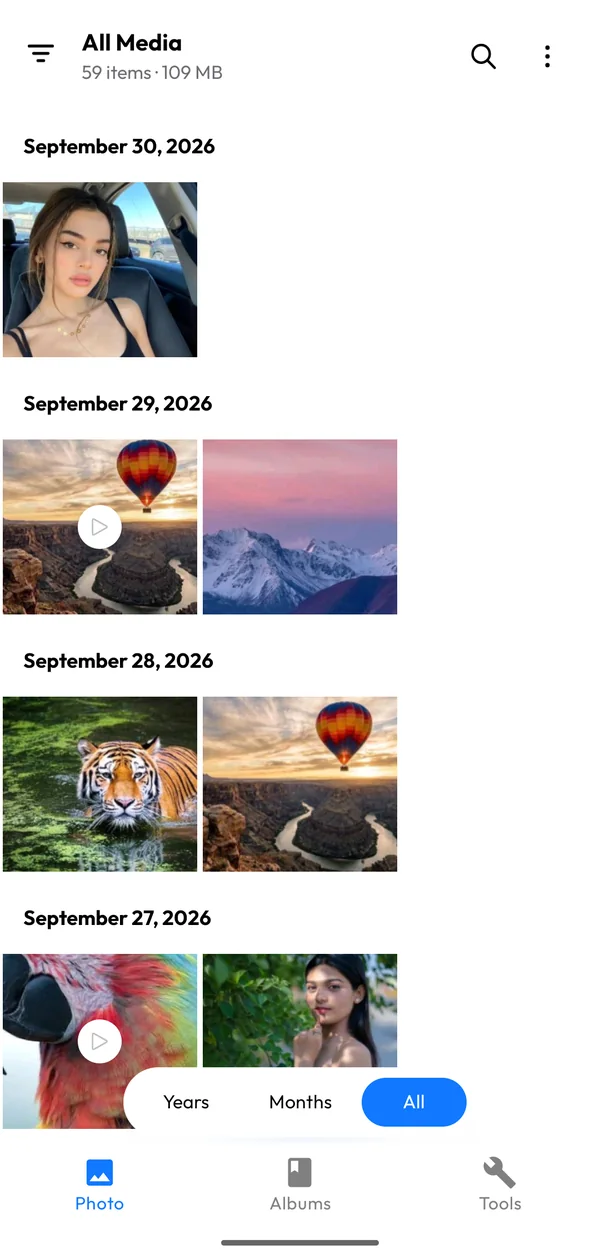
Learn more →Browse by years, months or albums; filter photos vs. videos.
Learn more →Some photos aren’t meant for everyone who borrows your phone. Move them into a private vault protected by a PIN or fingerprint. They vanish from the main gallery, Recents and search.
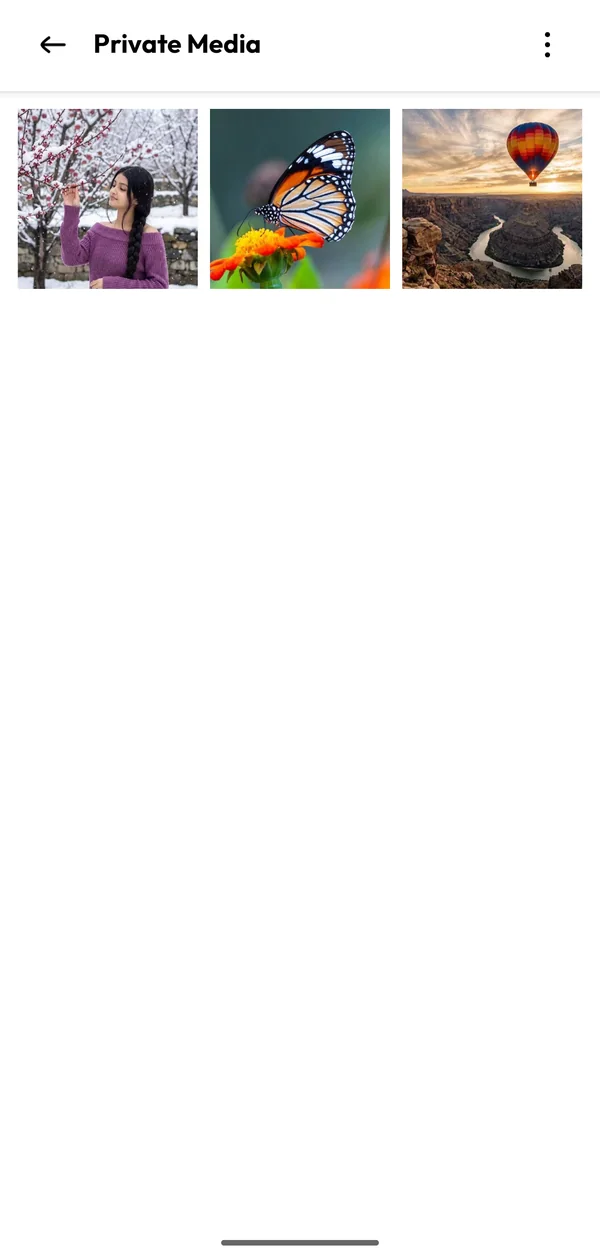
Burst shots, screenshots you forgot about, the same clip saved twice. The cleaner finds them, groups them and helps you keep only the best version.
Filters, adjustments, text, stickers and drawing tools sit right next to your photos. Combine 2 to 9 pictures into a collage and share in full quality.
“On this day”, weekend trips, festivals and themes. Gallery quietly curates highlights from your library so you can relive them.
A clean, modern interface that stays out of the way of your photos.
Download Gallery Photo Album for free. It takes a few seconds and needs Android 7.0 or newer.
Grant access to your photos and videos so Gallery can organize them. Your media never leaves your device.
Browse albums, hide private media, clean duplicates, edit photos and make collages. Read the guide.
We don’t upload your photos or videos to our servers. Files are only shared when you choose to share them.
Open the app and start using it. There’s nothing to register and no profile to create.
Plain-language Privacy Policy and Terms explain exactly what data is used and why.
Go Pro to remove ads and unlock every premium feature: unlimited cleaner, private media, premium editor tools, HD/4K wallpapers and more. Choose 1 week ($9.99), 1 month ($34.99) or 1 year ($299.99). Each is a one-time purchase through Google Play with no auto-renewal.
Explore Gallery Pro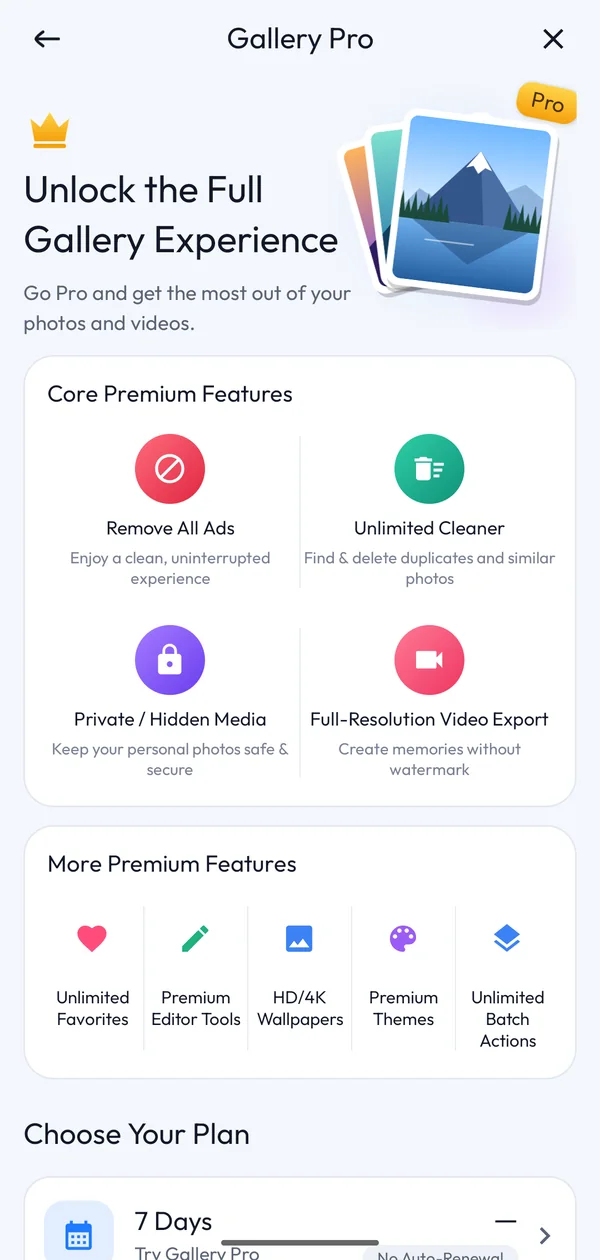
Yes. You can download and use Gallery Photo Album for free, with no account or sign-up needed. The free version is supported by ads, and a few features have free-use limits (for example, 20 favorites and 30 items per multi-select). You can lift these limits by watching a short rewarded video for temporary access, or by upgrading to Gallery Pro, which also removes ads.
No. Your photos and videos stay on your device. Gallery reads them from local storage to display and manage them, and only shares a file if you choose to share it. See our Privacy Policy for full details.
Select the photos or videos you want to protect, choose the option to move them to Private, and set a PIN (optionally with fingerprint unlock). They disappear from the main gallery and can only be opened from the private vault. Read the full walkthrough in our guide to hiding photos on Android.
When you set up the vault you also choose a security question. Use the “forgot PIN” option on the lock screen and answer it to reset your PIN. Keep your answer somewhere safe. It is the only recovery route.
Open Tools → Cleaner and let it scan. Gallery groups exact duplicates and similar photos; review each group, keep the best shot and delete the rest. More in our duplicate photo cleanup guide.
Yes, deleted items are moved to the Recycle Bin (Tools → Recently deleted), where you can restore them. Once an item has been permanently deleted from the bin, or if you uninstall the app, it can’t be restored. See how to recover deleted photos on Android.
Free to download. No account. Works on Android 7.0 and up.